Contact Us



Video
June 26, 2026
How to Create a RAID-Protected Volume with SupremeRAID™
Dive into our step-by-step walkthrough of the SupremeRAID™ GUI — from drive discovery to a fully mounted, RAID-protected volume on Linux or Windows.
SupremeRAID™ by Graid Technology is the world's first GPU-accelerated software RAID solution — purpose-built to deliver unmatched storage performance and resilience for demanding workloads. But performance starts with proper configuration, and that starts with knowing how to set up your RAID environment correctly.
In this video, Graid Technology's technical team walks through the complete process of creating a RAID-protected volume using the SupremeRAID™ GUI. Starting from a Linux server with 10 NVMe drives visible to the OS, the demo covers every step: creating Physical Drives (PDs), building a Drive Group (DG) with your chosen RAID level, and provisioning a Virtual Drive (VD) that appears as a standard block device — ready for a file system, mount, and immediate use. The same GUI workflow applies on Windows, making this a practical reference regardless of your operating environment. Whether you're in a presales evaluation or configuring a production deployment, this walkthrough gives you a clear picture of what SupremeRAID™ setup looks like end to end.
News & Resources

Defense systems at the rugged edge need compact servers that can protect and process mission data in extreme conditions. See how Trenton Systems uses VROC™ by Graid Technology and SupremeRAID™ in its U.S.-built TRS14-18.5 1U server to combine resilient boot storage with GPU-accelerated data protection.
.jpg)
Graid Technology will showcase SupremeRAID™ AE and Supreme JBOF at Cypher 2026 in Bengaluru, October 7–9. Explore GPU-accelerated NVMe storage and protected KV cache offloading for AI workloads from server to edge.
September 14, 2026
Breaking the KV Cache Inference Wall — Solidigm Data Insights Podcast, Featuring Graid Technology
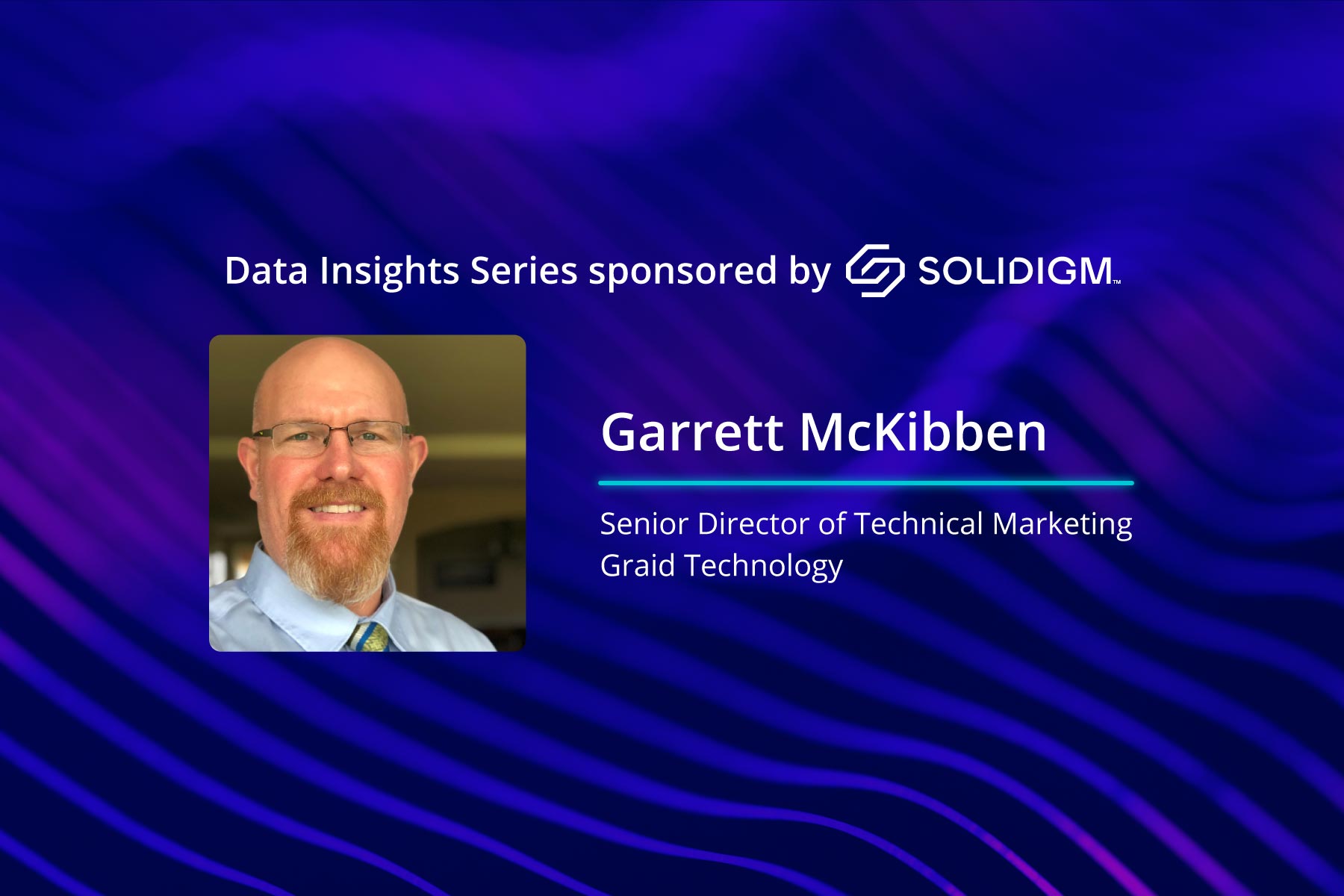
"You've got a four-lane highway, and to get to your storage, you have to go down to a one-lane bridge." Garrett McKibben joins Solidigm on TechArena's Data Insights podcast to unpack why KV cache overflow is choking AI inference.